Webflow Review - No-Code Website Builder Ratings & Features (2026)
Webflow review — visual no-code website builder for designers and marketers. Custom CMS, hosting, ecommerce, and AI features. Free plan with paid hosting from $14/mo.
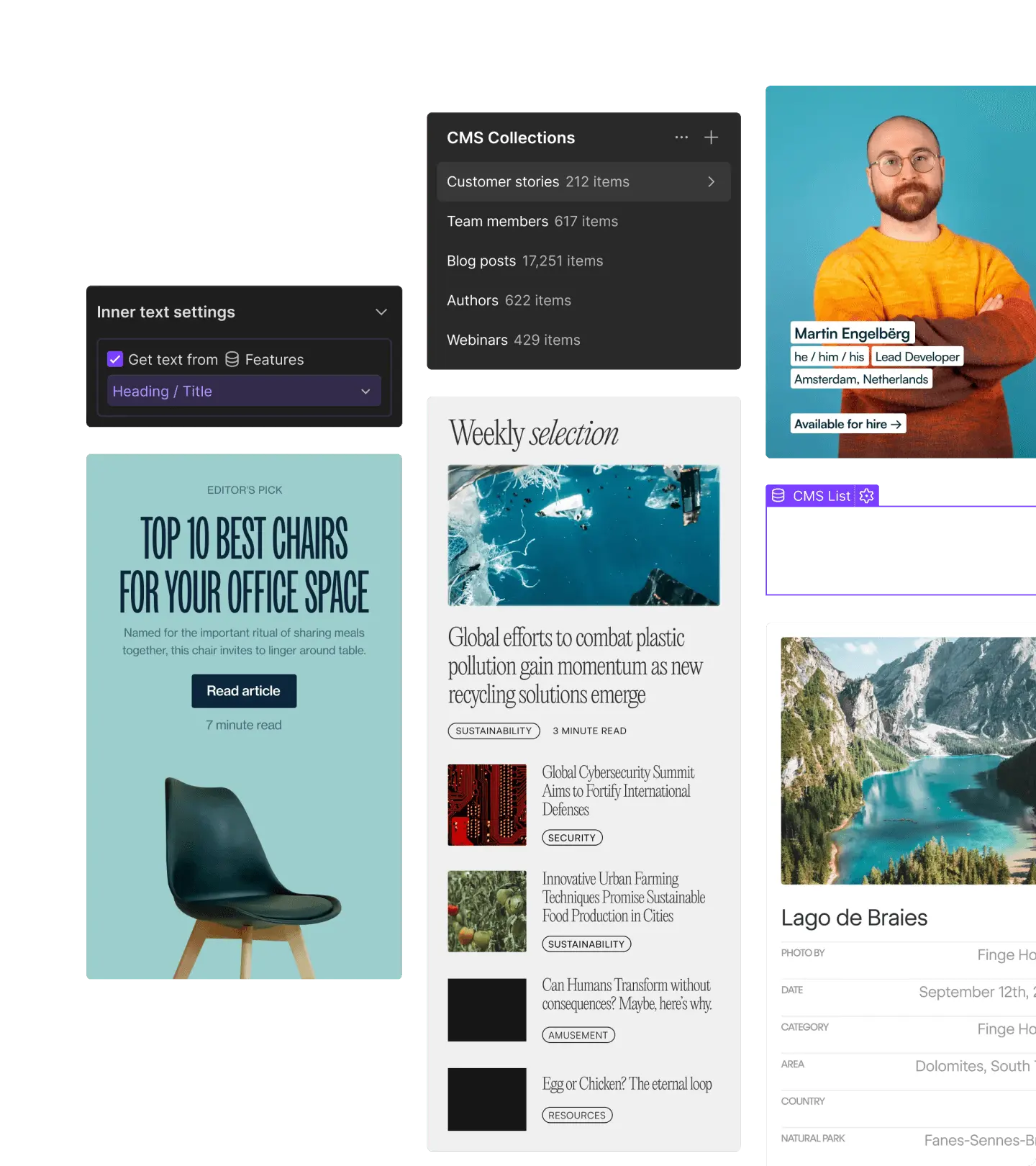
Webflow: The Designer-First No-Code Website Builder
Webflow is a visual website builder that gives designers and marketers full control over HTML, CSS, and animations without writing code. Where competitors like Wix or Squarespace pre-set the visual constraints and let users edit within them, Webflow exposes the full visual layout system — flexbox, grid, custom breakpoints, advanced typography, hover states, page transitions — through a designer-friendly interface that produces clean, performant production code.
The result is a platform used by both individual designers building portfolio sites and growth-stage companies running their entire marketing site, with everything from the homepage to the blog CMS to the careers page editable by non-developers. In 2026 Webflow has added AI-assisted design generation, automatic SEO recommendations, and Webflow Apps that extend the platform with third-party functionality.
Features and Benefits
- Visual Designer with Full CSS Control — Edit any property a developer could write — flexbox, grid, animations, transforms, custom breakpoints — through a visual interface that produces clean semantic HTML.
- Native CMS — Build custom content types (blog posts, case studies, team members, products) with editor-friendly interfaces, dynamic page generation, and reference fields linking content together.
- Built-In Hosting — Fast global CDN with free SSL, automatic backups, and one-click publishing. No separate hosting setup, no DNS gymnastics.
- Ecommerce — Native ecommerce features including product variants, custom checkout pages, Stripe and PayPal integration, and inventory management.
- AI Design Assist — Generate page layouts, color palettes, and copy from text prompts; refine visually within the designer.
- Webflow Apps — Marketplace of native integrations and extensions (logic flows, A/B testing, advanced SEO, accessibility checkers) that integrate without third-party scripts.
- Memberships — Built-in user authentication, gated content, and member-only pages without third-party plugins.
- Designer-Developer Handoff — Export clean code or share design specs with developers when more advanced functionality is needed.
In-Depth Pros and Cons
Pros
- Production-ready code quality — Webflow’s HTML/CSS output is closer to hand-coded than any other no-code builder. Sites perform well on Core Web Vitals, are SEO-friendly, and look right across browsers without manual fixes.
- CMS depth — The native CMS is the strongest in the no-code category. Reference fields, dynamic templates, and CMS-driven SEO are full-featured rather than gimmicked.
- Designer ergonomics — Once familiar, the visual designer is faster than coding HTML/CSS for most marketing site work. Animation and interaction design in particular is dramatically faster than writing JavaScript.
- Hosting included — Bundled hosting on a fast global CDN removes the operational complexity that comes with WordPress or Jamstack alternatives.
Cons
- Steep learning curve — Designers comfortable with CSS will pick up Webflow in a week. Users from Wix or Squarespace face a real learning curve because Webflow exposes more concepts (the box model, flex/grid, breakpoints) than simpler builders.
- Hosting pricing scales with traffic — Higher-tier hosting plans get expensive at scale. Sites with 100K+ monthly visitors should compare costs against alternatives like Vercel or self-hosted setups.
- Third-party app dependency for some features — Advanced search, robust analytics, and complex membership flows often require Webflow Apps or external integrations.
Pricing
- Free Starter Site — Build and design without publishing.
- Site Plan Basic — $14/month, custom domain, no Webflow branding.
- CMS Plan — $23/month, includes the native CMS.
- Business Plan — $39/month, higher traffic limits, advanced features.
- Ecommerce plans — From $29/month with transaction fees scaling down on higher tiers.
- Workspace plans for agencies and teams with collaboration features.
Alternatives to Consider
- Framer — Newer designer-first builder with strong AI features
- WordPress — The most flexible CMS, with hosting and theme work required
- Squarespace — Simpler builder for non-designers
Related Reading
- Best No-Code Website Builders for 2026
- Webflow vs Framer vs WordPress
Conclusion
Webflow remains the best no-code website builder for designers and marketers who want production-quality output without writing code. The combination of full CSS control, a deep native CMS, included hosting, and a polished AI design layer makes it a category-of-one for the segment between simple drag-and-drop builders and full custom development. For agencies, marketing teams, and individual designers running websites that need to look as good as they convert, Webflow is the platform that earns its premium positioning.