GitHub Copilot Review - Ratings & Features (2026)
GitHub Copilot is an AI pair programmer that provides real-time code suggestions directly in your editor, powered by OpenAI's models and trained on billions of lines of code.
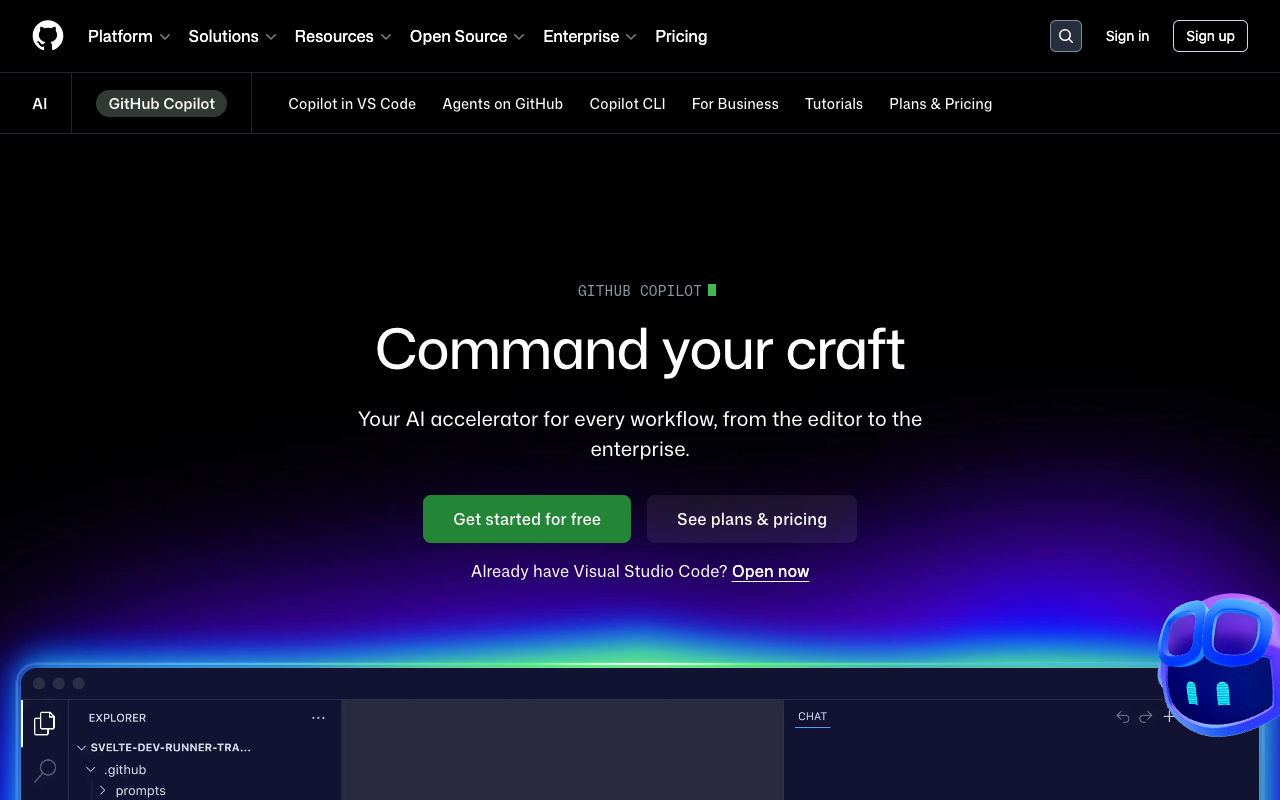
GitHub Copilot is the original AI coding assistant and remains one of the most widely used. Developed by GitHub in collaboration with OpenAI, it provides real-time code suggestions directly in your editor as you type. It supports VS Code, JetBrains IDEs, Neovim, and Visual Studio.
Copilot has evolved well beyond simple autocomplete. It now includes Copilot Chat for conversational coding assistance, workspace-level context awareness, and agent capabilities that can plan and execute multi-step coding tasks.
Key Takeaways
- Real-time code suggestions that understand your project context and coding patterns.
- Copilot Chat provides conversational AI assistance within your editor.
- Supports all major IDEs including VS Code, JetBrains, Neovim, and Visual Studio.
Core features
Code completion
As you type, Copilot suggests completions ranging from a single line to entire functions. It learns from your codebase, understands your patterns, and adapts its suggestions to match your style. Suggestions appear inline as ghost text that you accept with Tab.
Copilot Chat
An integrated chat panel where you can ask questions about your code, request explanations, generate tests, fix bugs, or refactor existing code. Chat understands the context of your current file and workspace.
Multi-file awareness
Copilot can reference other files in your project to provide contextually relevant suggestions. It understands imports, function signatures, and project structure to generate code that integrates correctly with your existing codebase.
CLI and pull request support
Beyond the editor, Copilot can help in the terminal (explaining commands, suggesting fixes) and on GitHub (summarizing pull requests, suggesting reviewers, generating descriptions).
Use cases
Day-to-day coding
Copilot accelerates everyday development tasks — writing boilerplate, implementing patterns, and handling repetitive code. Developers report significant productivity gains for routine coding work.
Test generation
Ask Copilot to generate unit tests for your functions. It understands the code being tested and creates meaningful test cases covering edge cases and common scenarios.
Code review and documentation
Use Copilot Chat to explain complex code, generate documentation, or review code for potential issues before committing.
Pricing
Individual plan at $10/month or $100/year. Business at $19/user/month adds organization-wide policy controls and audit logs. Enterprise at $39/user/month adds fine-tuning and advanced security features.