Cursor Review - Ratings & Features (2026)
Cursor is an AI-native code editor built on VS Code that integrates large language models directly into the development workflow for faster coding.
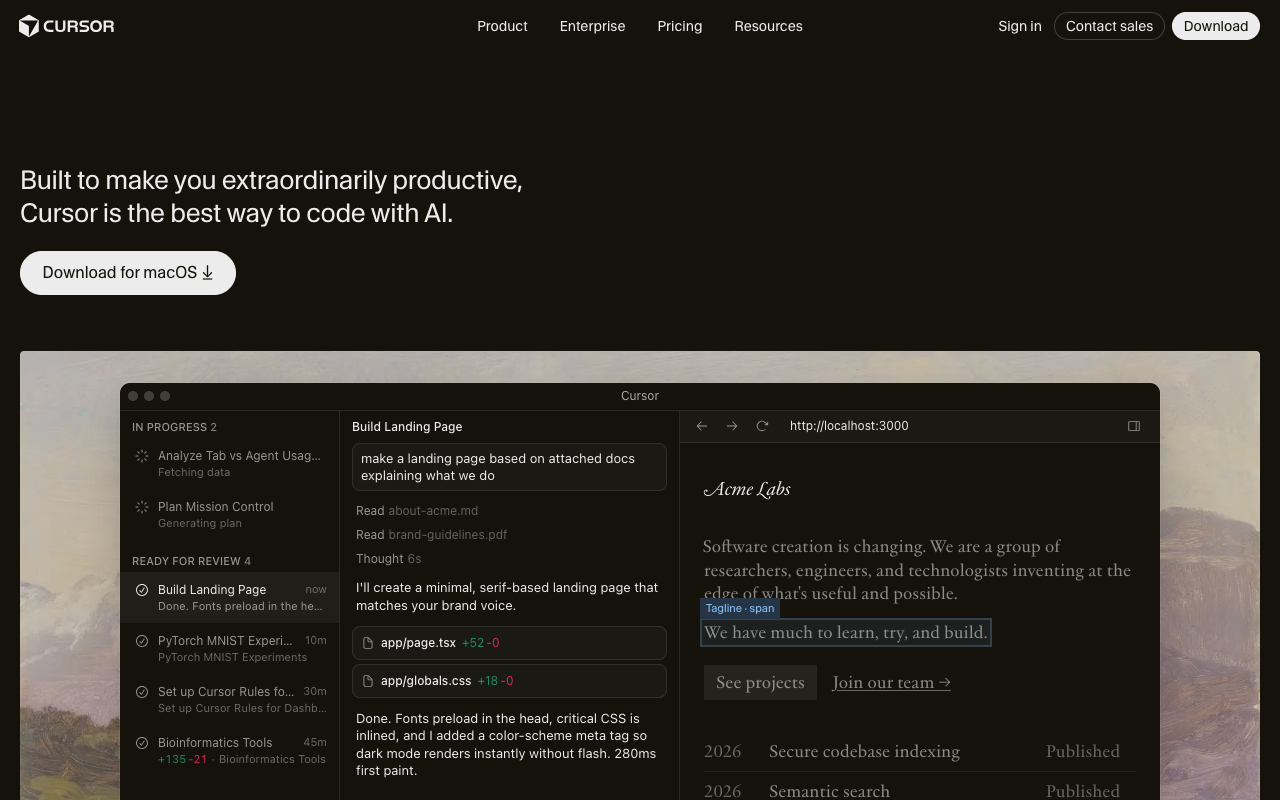
Cursor is an AI-first code editor that has rapidly become the tool of choice for developers who want AI deeply integrated into their coding workflow. Built as a fork of Visual Studio Code, it retains full VS Code compatibility — extensions, keybindings, themes — while adding powerful AI features that go far beyond autocomplete.
What sets Cursor apart from AI coding plugins is that the AI understands your entire codebase. It indexes your project, reads your files, and uses that context to provide suggestions, edits, and answers that are specific to your code.
Key Takeaways
- Cursor is built on VS Code, so all your extensions and settings carry over.
- Codebase-aware AI means suggestions understand your project structure, not just the current file.
- Tab completion, inline editing, and chat work together for a seamless AI coding experience.
Core features
Codebase awareness
Cursor indexes your entire project and uses it as context for AI operations. When you ask a question or request an edit, the AI can reference other files, understand your patterns, and follow your conventions. This is the key differentiator from generic AI coding assistants.
Tab autocomplete
Cursor’s autocomplete goes beyond single-line suggestions. It predicts multi-line edits, understands what you’re trying to do from context, and can complete entire functions or refactors. The predictions are fast enough to feel like a natural extension of typing.
Inline editing (Cmd+K)
Select code and press Cmd+K to tell the AI what to change. It rewrites the selected code according to your instructions while maintaining consistency with the surrounding code. This is powerful for refactoring, adding error handling, or converting between patterns.
Chat with your codebase
The chat panel lets you ask questions about your code, request explanations, or get help debugging. Unlike generic AI chat, Cursor’s chat can reference specific files and functions, making answers accurate and actionable.
Use cases
Rapid prototyping
Cursor dramatically speeds up building new features. Describe what you want, and it generates implementation-ready code that fits your existing architecture.
Debugging
Paste an error message into chat, and Cursor can trace the issue through your codebase, identify the root cause, and suggest a fix — all with full project context.
Learning new codebases
When joining a new project, use chat to ask questions about how things work. Cursor can explain architecture decisions, trace data flows, and help you understand unfamiliar code.
Pricing
The free Hobby plan includes limited AI completions and chat. Pro at $20/month adds unlimited completions, faster models, and more chat messages. Business plans include team features and admin controls.
Alternatives to Consider
- GitHub Copilot — GitHub’s AI pair programmer, integrated into VS Code and JetBrains.
- Bolt.new — AI-powered full-stack app builder in the browser.
- v0 by Vercel — AI UI generator that creates React components from prompts.