TimeCamp Review - Time Tracking Ratings & Features (2026)
TimeCamp review — automatic time tracking and timesheet software for teams and freelancers. Pricing, features, and the best TimeCamp alternatives.
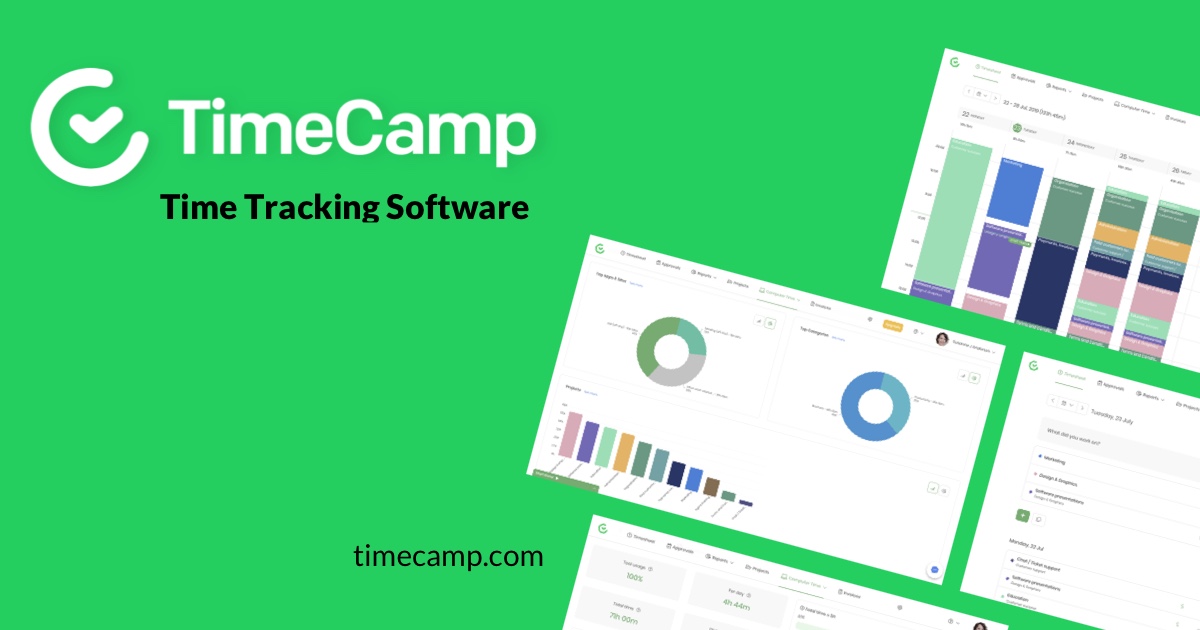
TimeCamp: Automatic Time Tracking for Teams and Freelancers
TimeCamp is a time tracking and timesheet platform designed for freelancers, agencies, and remote teams. The headline feature is automatic time tracking — a desktop client logs which apps and websites users spend time on and intelligently categorises the data into projects and clients. Beyond the timer, TimeCamp offers timesheets, attendance tracking, productivity reports, and integrations with project management tools like Asana, Trello, and Jira. It positions itself as a more affordable, less intrusive alternative to enterprise-only competitors.
Features And Benefits
- Automatic Time Tracking — Desktop apps log activity automatically, removing the need for manual start/stop timers in most workflows.
- Project and Client Tracking — Time can be attributed to specific projects, clients, and tasks, with billable rate support for freelancers and agencies.
- Productivity and Attendance Reports — Clear dashboards showing focus time, idle time, and team-wide productivity metrics.
- Integrations — Native integrations with Asana, Trello, Jira, Basecamp, ClickUp, GitHub, QuickBooks, Xero, and dozens of other tools.
- Generous Free Tier — Unlimited users on the free plan, which is unusual in the time tracking market and a major draw for small teams.
In-Depth Pros And Cons
Pros
- Free for unlimited users — Most competitors cap free plans at 3–5 users; TimeCamp’s free tier supports unlimited team members for basic time tracking.
- Automatic tracking saves entry time — The desktop client can categorise activity automatically, dramatically reducing the friction of accurate timesheet entry.
- Strong integration ecosystem — Connects with project management, accounting, and CRM tools, making it easy to slot into existing workflows.
Cons
- Desktop client required for full features — Automatic tracking only works with the local app installed; web-only users miss the headline feature.
- Reports can feel dense — Detailed productivity dashboards have a learning curve, particularly for solo users who only need basic timesheets.
- Some advanced features are paywalled — Billing rates, invoicing, and attendance tracking sit behind paid tiers.
Alternatives to Consider
- Toggl Track — Popular time tracker with strong UX and a similar free tier
- Clockify — Another generous free time tracking tool with unlimited users
- Harvest — Time tracking with strong invoicing and project budgeting features
Related Reading
- Best Time Tracking Software for Freelancers
- Toggl vs TimeCamp vs Clockify Compared
Conclusion
TimeCamp earns its place in the time tracking landscape on two strengths: a free tier that genuinely supports unlimited users, and an automatic tracking workflow that reduces the friction of accurate timesheets. For freelancers and small teams who want a polished, integrated time tracker without paying enterprise prices, it is a strong choice. Heavier users with simpler needs may prefer the cleaner UX of Toggl Track or Clockify, both of which compete in the same space.