Recraft AI Review - Ratings & Features (2024)
Recraft.ai simplifies design tasks with its AI-driven platform, catering to both seasoned designers and newcomers. While versatile and fostering community.
Recraft.ai: Advanced AI Design Tools for Modern Creativity
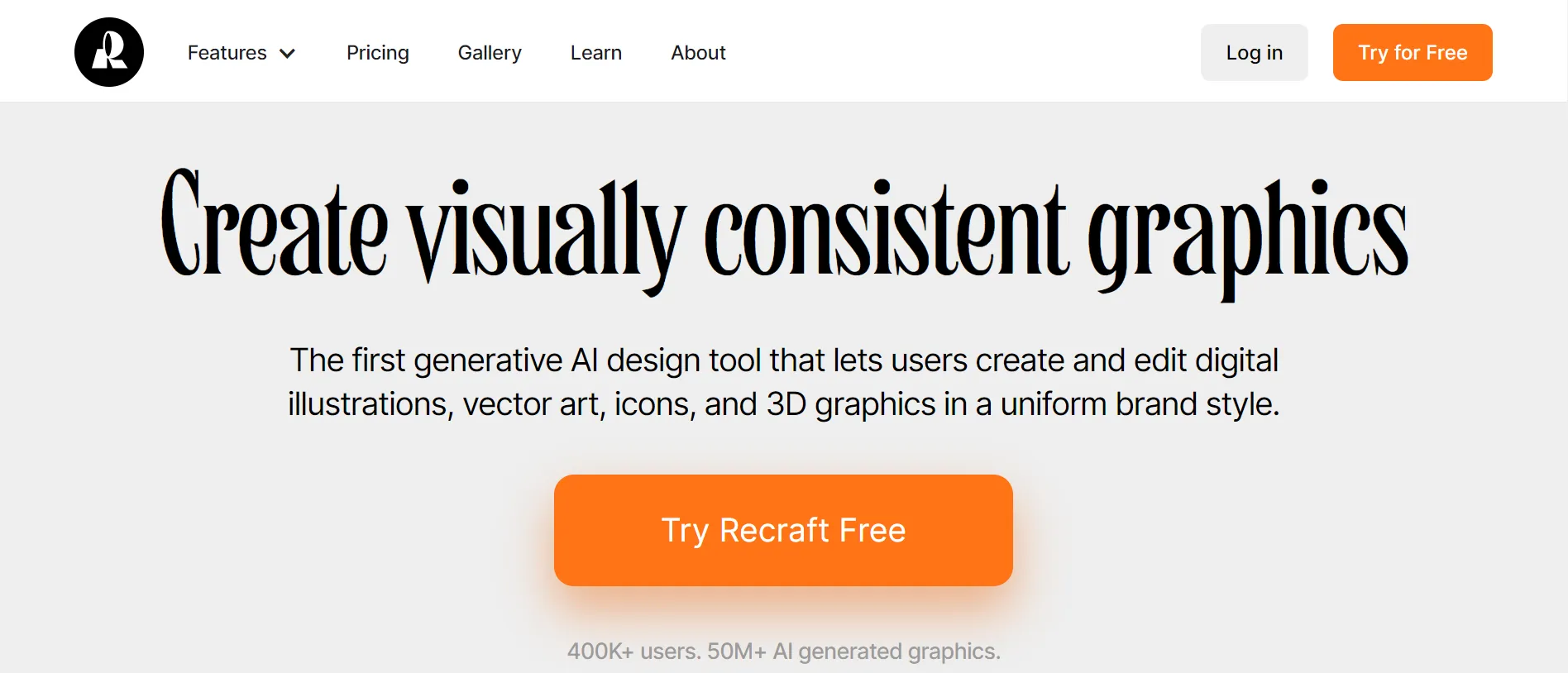
Recraft.ai continues to innovate the design world with its AI-driven platform tailored for both seasoned designers and newcomers. It simplifies the creation of digital illustrations, vector art, icons, and 3D graphics.
Key Features
- Enhanced Design Tools: Streamlines complex design tasks.
- Comprehensive Style Management: Ensures brand consistency across projects.
Pros And Cons
Pros
- Versatility: Adapts to various design needs.
- Community Integration: Offers networking and collaboration opportunities.
Cons
- Learning Curve: May be steep for beginners.
- Resource Intensity: Demands high computational power for advanced tasks.
Alternatives to Consider
- CF Spark AI — CF Spark by Creative Fabrica offers advanced AI tools to enhance creativity across various domains
- Adobe Firefly AI — Adobe Firefly is a groundbreaking addition to the Adobe Creative Cloud ecosystem
- Playground AI — Playground AI pioneers AI-driven image creation with features like mixed editing
Related Reading
Who Is Recraft.ai Best For?
Recraft.ai is ideal for graphic designers, UI/UX professionals, and brand teams who need to produce consistent vector art and digital illustrations at scale. Its strength lies in maintaining visual consistency across a design system — something that general-purpose image generators often struggle with. Product teams building icon sets, illustration libraries, or brand assets will find it especially useful.
Recraft.ai vs. Alternatives
Compared to tools like Adobe Illustrator with AI plugins or Canva, Recraft sits in a specialized niche: AI-native vector and icon design. It is more specialized than generalist image generators like Midjourney, making it a complement rather than a replacement for broad creative workflows. For teams that primarily produce vector assets, it offers a significantly faster workflow than traditional tools.
Practical Use Cases
- Brand identity design — Generate consistent icon sets and illustration styles for a brand
- UI component assets — Create vector icons and illustrations for web and mobile apps
- Marketing collateral — Produce campaign artwork with style consistency across pieces
- Rapid prototyping — Quickly generate visual concepts for presentations or pitches
Conclusion
Recraft.ai empowers designers with sophisticated tools to create and edit visually consistent projects efficiently, fostering both individual creativity and collaborative innovation. It’s a compelling choice for anyone looking to enhance their design capabilities with AI.