v0 by Vercel Review - Ratings & Features (2026)
v0 is Vercel's AI-powered UI generation tool that creates React components, full pages, and design system elements from text prompts and image references.
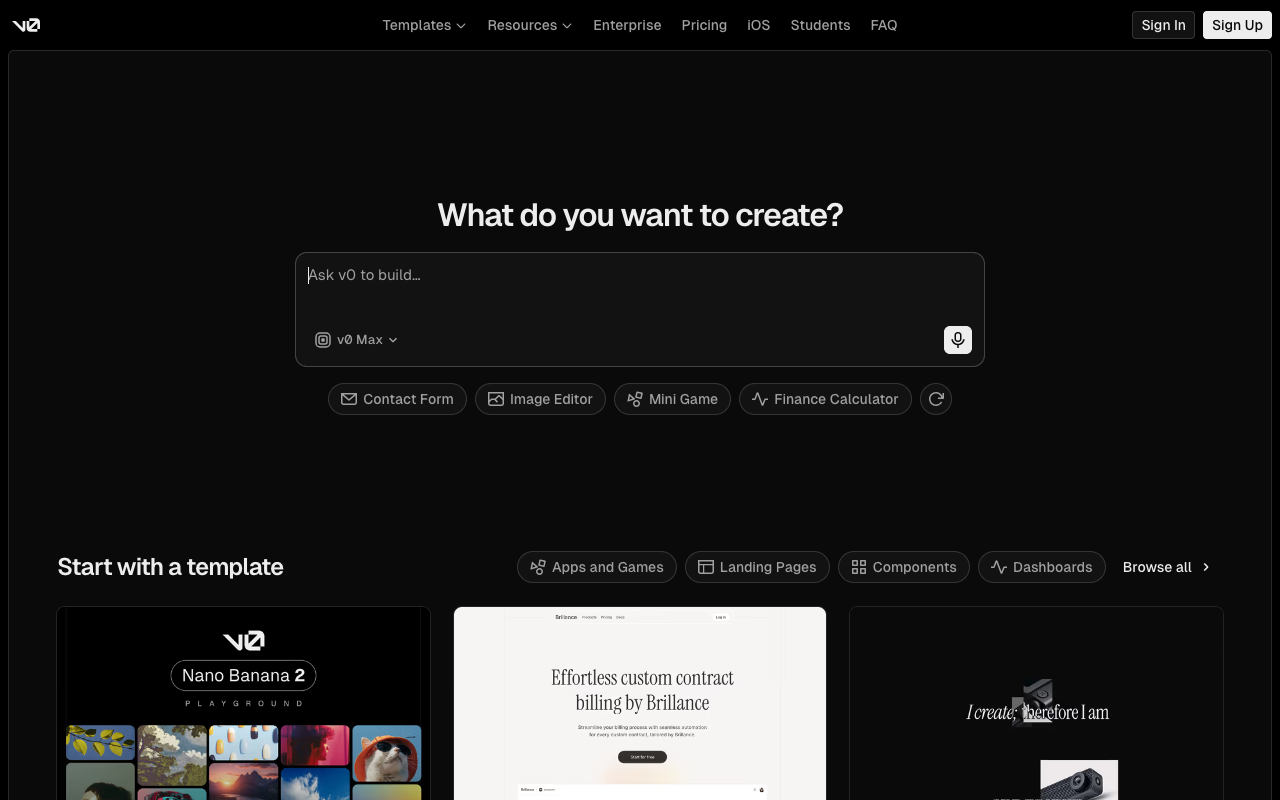
v0 is Vercel’s AI-powered generative UI tool that creates production-ready React components from text descriptions or image references. It generates clean code using Next.js, Tailwind CSS, and shadcn/ui — the same modern stack used by thousands of production applications.
What makes v0 unique is its focus on UI quality. Instead of generating generic HTML, it produces components that follow real design system patterns, are accessible by default, and are ready to drop into a production codebase.
Key Takeaways
- Generates production-ready React components with Tailwind CSS and shadcn/ui.
- Accepts text prompts, image references, or screenshots as input.
- Components are accessible, responsive, and ready for production use.
How it works
Prompt-based generation
Describe the UI you want — “a pricing page with three tiers, a toggle for monthly/annual, and a FAQ section” — and v0 generates multiple variations. Each variation is a complete, working React component with proper styling and interactivity.
Image-to-code
Upload a screenshot or design mockup, and v0 recreates it as a React component. This is powerful for converting Figma designs, recreating existing UIs, or quickly prototyping based on visual references.
Iterative refinement
Select a variation and refine it with follow-up prompts. Ask to change colors, add features, modify layout, or adjust responsiveness. v0 maintains context and evolves the component without starting over.
Copy and integrate
Generated components use standard React, Tailwind, and shadcn/ui patterns. Copy the code directly into your project, or use the Vercel integration to deploy instantly.
Use cases
Frontend development
Speed up UI development by generating component shells, then customizing the details. v0 is particularly effective for common patterns like dashboards, forms, landing pages, and data tables.
Design-to-code
Designers can convert their mockups into working code without handing off to a developer. Upload a design, generate the component, and share the working implementation.
Prototyping
Product teams can quickly build interactive prototypes that use real code instead of design tool mockups, making them more realistic for user testing and stakeholder reviews.
Pricing
v0 offers a free tier with limited generations per month. Premium plans unlock more generations, faster processing, and access to the latest models.