VideoCompress Review - Ratings & Features (2026)
VideoCompress review — free online video compressor with no watermark, 40+ format support, and H.264/H.265 encoding. Free tier up to 1GB uploads.
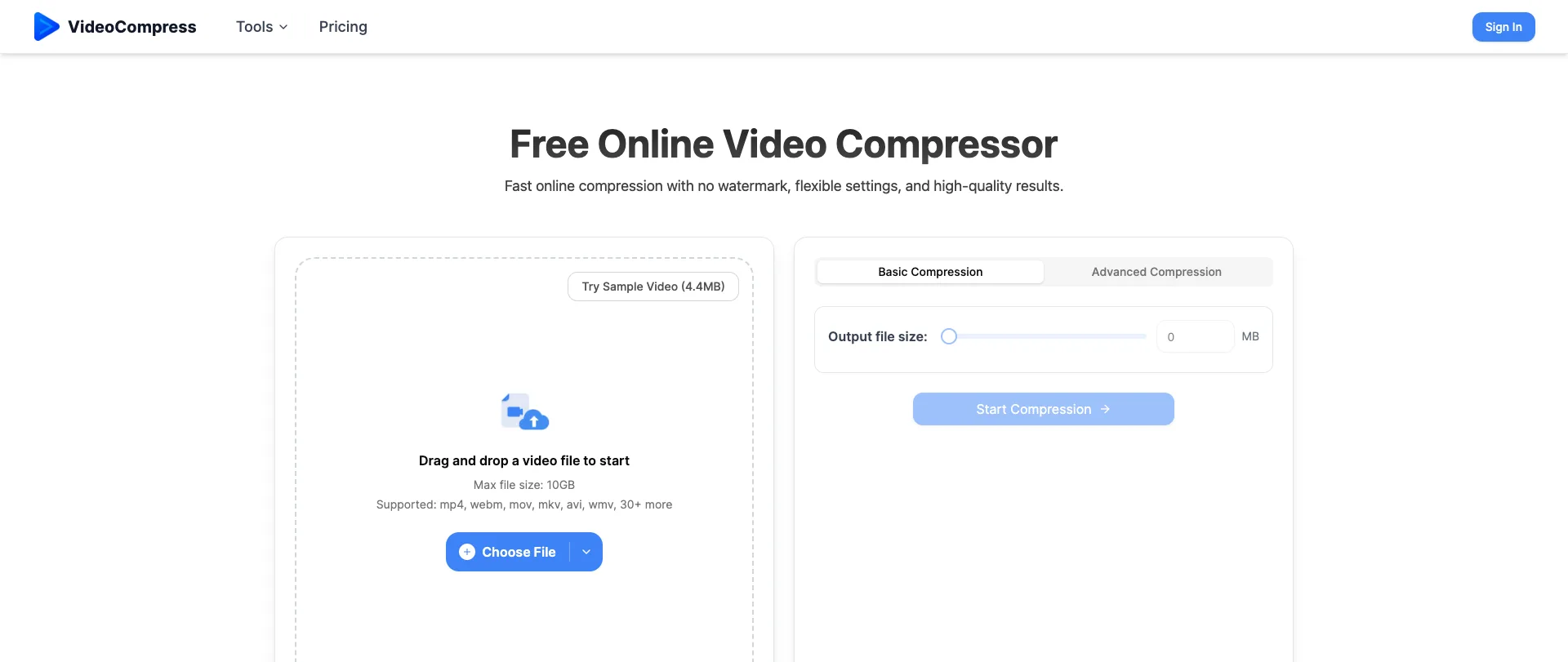
VideoCompress is a cloud-based video compressor that reduces file size without a watermark, built for content creators, marketers, and anyone who needs a smaller file for email, storage, or a platform upload limit.
Key Features
1. Broad Format Support: Handles 40+ video formats including MP4, AVI, MKV, WebM, and MOV.
2. Basic and Advanced Modes: Basic mode is a one-click compress; Advanced mode exposes bitrate, resolution, and target-size controls for more precise output.
3. Modern Encoding: Uses H.264 and H.265 encoders to cut file size while keeping visible quality loss to a minimum.
4. No Local Install: Runs entirely in the browser — drag, drop, and download, with files automatically deleted after processing.
Pricing & Limits
Free tier includes 30 monthly credits (different videos consume different amounts) and a 1GB upload cap. Paid subscriptions raise the credit allowance and the upload limit to 10GB.
Conclusion
A genuinely functional tool, not just a landing page — sample compressions, drag-and-drop upload, and a real credit system are all live. The 1GB free-tier ceiling will be the limiting factor for anyone compressing longer or higher-resolution footage.